Android
Android permissions
What Public asks Android to allow, and how to change your mind.
Public asks Android for the smallest set of permissions it needs to work. You can grant or revoke each one any time.
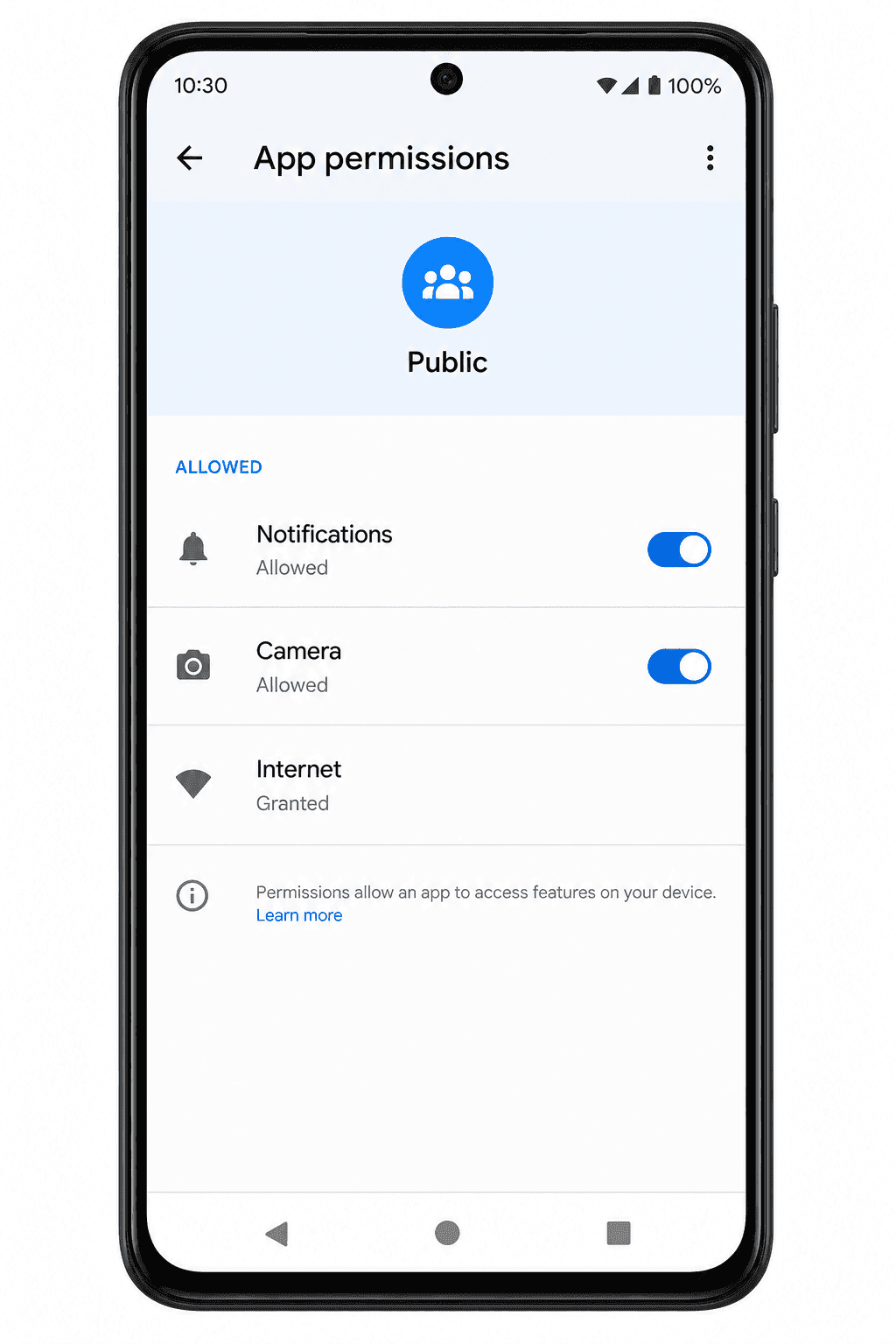
Permissions Public uses
| Permission | When Public asks | What it's for |
|---|---|---|
| Internet | Always | Talking to Public's servers. Granted automatically. |
| Notifications | First launch on Android 13+ | Push notifications for messages, mentions, replies, and other events. See Notifications. |
| Camera | First time you take a photo or video in the post composer | Capture media for a post. |
Public picks photos and videos with Android's built-in Photo Picker, so it does not need broad storage permissions.
Public also does not request:
- Microphone
- Contacts
- Location
- Phone state
Change a permission later
- Open Android Settings → Apps → Public.
- Tap Permissions.
- Tap any permission to Allow or Deny it.
If you deny Notifications, you'll stop getting pushes — see Push notifications not working for how to turn them back on. If you deny Camera, the in-app camera won't open; you can still pick photos and videos from your gallery.